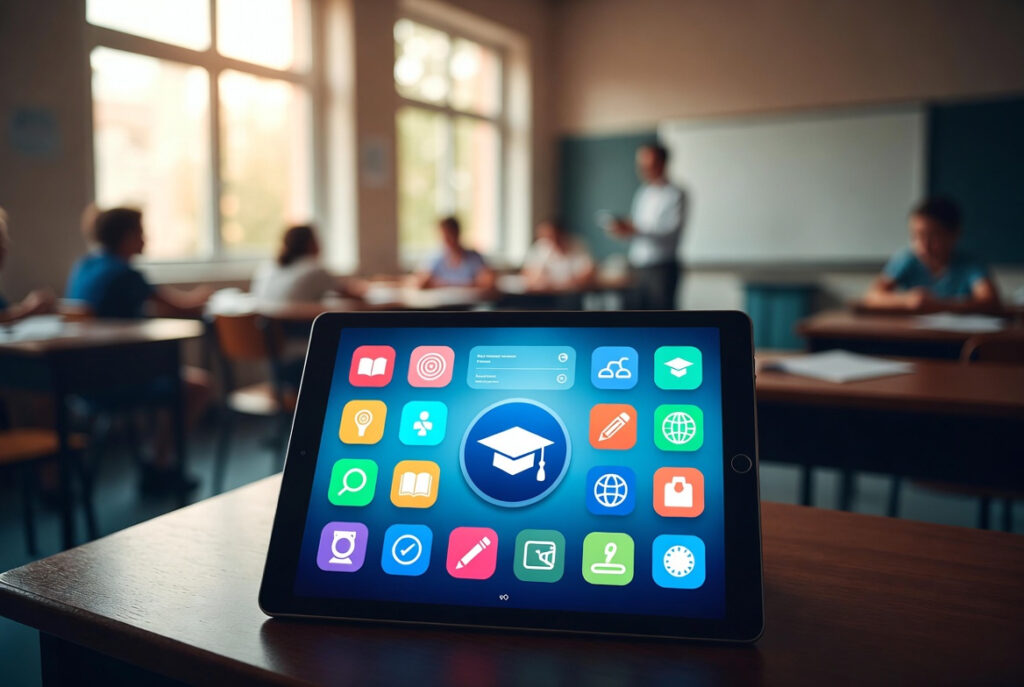

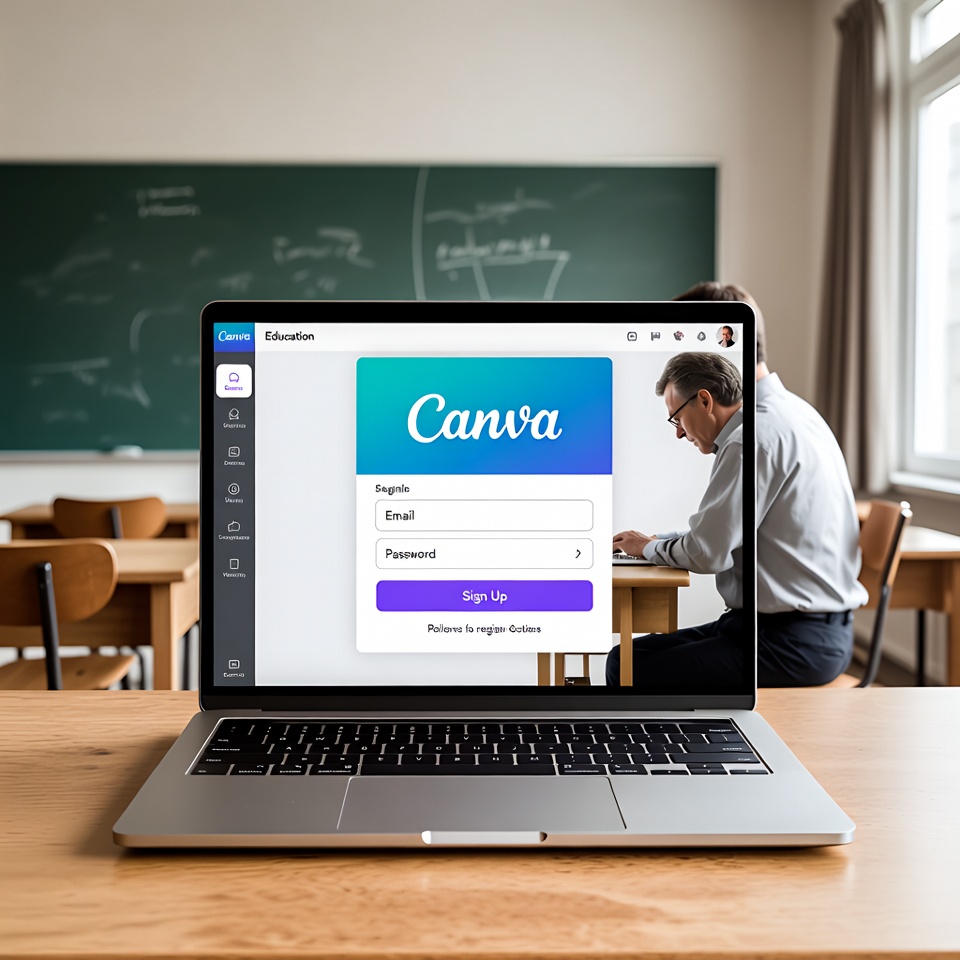
Canva Education is a free version of the Canva tool, intended for teachers and students in primary and secondary schools. It is a platform for creating visual and multimedia content that is most often used in practice for presentations, posters, infographics and short videos, especially in project work.
Glavna prednost alata je jednostavno korištenje i integracija s postojećim digitalnim sustavima u školama. Istovremeno, kao i kod alata koji uključuju automatizaciju i umjetnu inteligenciju, Canva nema pedagošku vrijednost sama po sebi. Učinci ovise o tome kako se koristi u postavljanju zadataka, usmjeravanju učenika i poticanju kritičkog promišljanja.
Integration with existing systems
Canva can be connected to a number ofLearning Management Systems (LMS), including Google Classroom, Microsoft Teams, Moodle, Canvas and others. This allows you to share tasks, view and comment on student work and track activities without introducing additional tools.
Artificial Intelligence in the Canva Education Environment
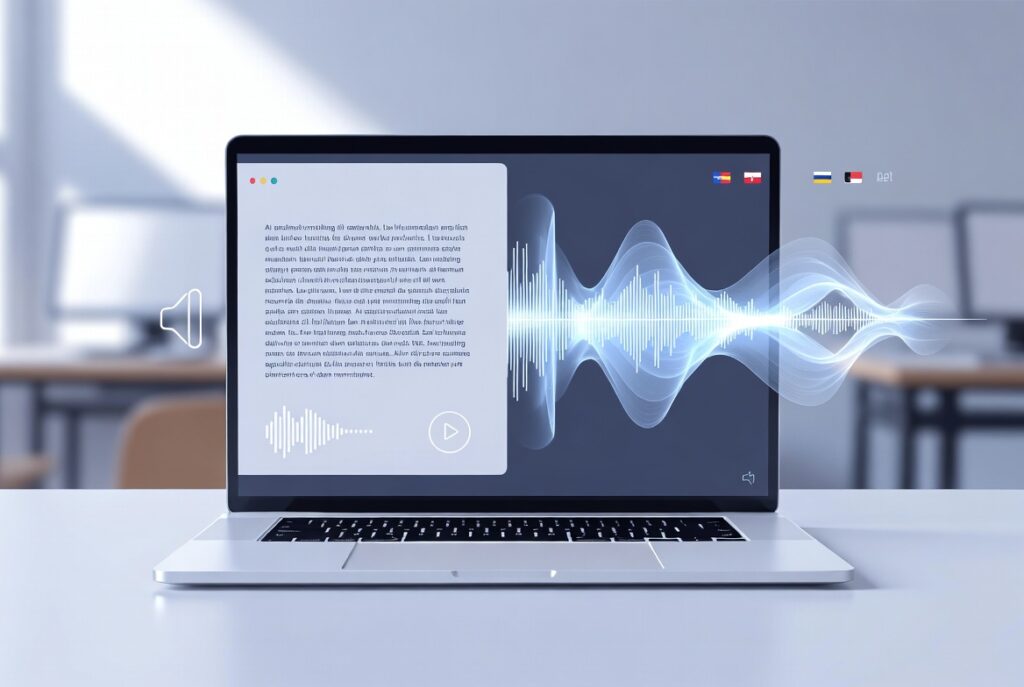
Canva includes a set of AI-based tools within the Magic Studio suite, such as Magic Write, Magic Animate, tools for generating images, videos and audio, and tools for translating (Translate) and converting text to speech (Text to Speech).
Ovi alati mogu ubrzati izradu nastavnih materijala i olakšati prilagodbu sadržaja različitim učenicima. Važno je naglasiti da AI alati ne razumiju kontekst nastave, ishode učenja ni dob učenika. Izostanak aktivne uloge nastavnika može dovesti do nekritičkog i površnog prihvaćanja generiranih informacija.
Student safety and protection
Canva Education includes content and data protection mechanisms united in the Canva Safe AI initiative.These include filtering inappropriate content using machine learning, blocked search terms and a combination of automated and human moderation, in compliance with regulations such as GDPR.
Učenici ne mogu samostalno otvoriti obrazovni račun nego im pristup omogućuje nastavnik putem pozivnice čime se osigurava korištenje alata unutar nadziranog obrazovnog okruženja.
How do I get access to a Canva Education license?
Elementary and middle school teachers can request access to a Canva Education license at https://www.canva.com/edu-signup/. Verifikacija se provodi prijavom putem službene e-mail adrese (@skole.hr) ili potvrdom o radnom odnosu u odgojno-obrazovnoj ustanovi.
Ako već imate Canva račun otvoren s privatnom e-mail adresom (primjerice Gmail), možete ga i dalje koristiti za Canva Education. U tom slučaju verifikacija se ne provodi automatski putem e-mail adrese, nego trebate dostaviti potvrdu o radnom ondosu u odgojno-obrazovnoj ustanovi.
Once Canva approves the verification, your existing account will be upgraded to the educational version, and all previously created materials will remain available.